


With the 4.0 update to Rubrik, its now easier to backup AHV VMs with Rubrik. A welcome addition for backup solutions. Simple, easy to configure SLA driven backup combined with a simple, easy to configure hypervisor.
I am running a 4 node Nutanix cluster with Community Edition
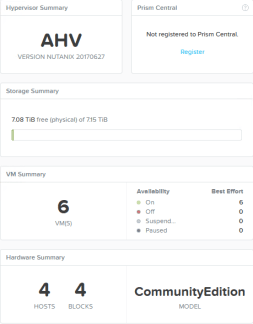
and Rubrik 4.0.4
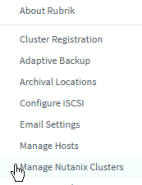
In the Rubrik dashboard, you will need to select Settings (gear icon)

Then Manage Nutanix Cluster -> Add Nutanix Cluster
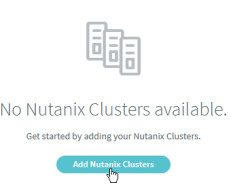
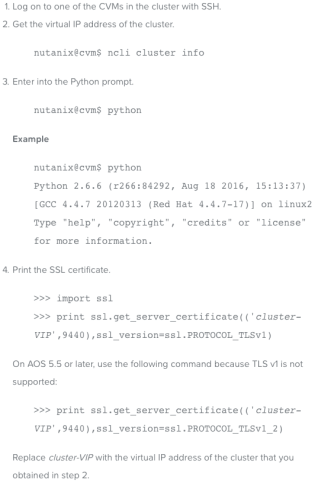
Then you will need some information from the cluster to add it. First, you will need the IP address (external IP address from the cluster), the Cluster UUID (obtained from the blade in Prism that has the cluster name), admin credentials for the cluster, and the CA certificate information.

To get the CA information from the cluster, log into any CVM and then follow the directions below.
After clicking Add, the cluster will show up and begin populating the VMs under the Virtual Machines -> AHV VMs in the Rubrik console.

From there, you assign it to an SLA (either the preconfigured ones or create your own) and then it will start to backup shortly after that. It really is that easy, and combining the ease of AHV with the certainty and ease of Rubrik is one of the best decisions that you could make.
 lucidlab.net
Nice write-up! Thanks for sharing!
LikeLike